
Fine lines and small text usually disappear on printed boxes because the artwork leaves too little tolerance for the selected press, paper, ink sequence and finishing process. A detail that is perfectly visible in a PDF can fill in, break up, shift, soften or vanish when it is screened, trapped, printed on an absorbent or textured surface, laminated, folded and viewed at its final size.
The practical fix is not a universal “minimum font size.” Buyers should identify every critical small element, confirm whether it prints as one ink or several, test it on the actual substrate and finish, and approve a production-representative proof with written acceptance criteria. The limits must come from the specific printer and construction, not from a generic online checklist.

First identify how the detail is failing
Do not describe every problem as “the text is blurry.” Different symptoms point to different causes:
- Filled-in characters: counters inside letters such as e, a, 6 or 8 close up.
- Broken lines: a hairline or small serif prints intermittently or disappears.
- Colored fringe: cyan, magenta or yellow shows beside text intended to look neutral.
- White halo: a light gap appears around dark text or between adjacent colors.
- Missing reverse text: white lettering in a dark panel becomes thinner or closes completely.
- Loss after finishing: the detail looks acceptable before lamination, embossing, foil or folding but degrades afterward.
A compact custom flip-top cigarette carton can place several design elements on a small panel. That makes actual-size review essential: enlarging the artwork on screen may hide the fact that a thin rule, small reversed label or tight letter spacing has almost no production margin.
Why a sharp PDF can produce weak printed detail
Several color plates must land in the same place
Text built from multiple process inks depends on registration between plates. A slight shift may be difficult to see in a photograph of a large graphic, yet obvious around a five-point label or narrow line. Small neutral text is often more stable when the printer approves a one-ink construction, but buyers should not convert colors themselves without confirming the production workflow.
Adobe explains that its default 100% black swatch can overprint, which helps prevent misregistration gaps around small black text over colored backgrounds. That is not permission to set every dark object to overprint. A custom rich black, a tint, transparency or a spot color can behave differently, and overprinting a light object may make it disappear.
Knockout and overprint create different risks
Knockout removes the inks beneath an object; overprint leaves them in place. A knockout detail can expose a pale gap if plates move. An overprinted detail can change color because the inks combine, and white artwork set to overprint may output nothing because there is no white printing plate in an ordinary CMYK job.
Adobe recommends checking separations and overprint behavior before output. Its guidance also notes that preview is a simulation whose result depends on the final printer, RIP and settings. Use the preview to find problems, then let the packaging printer confirm the intended output condition.
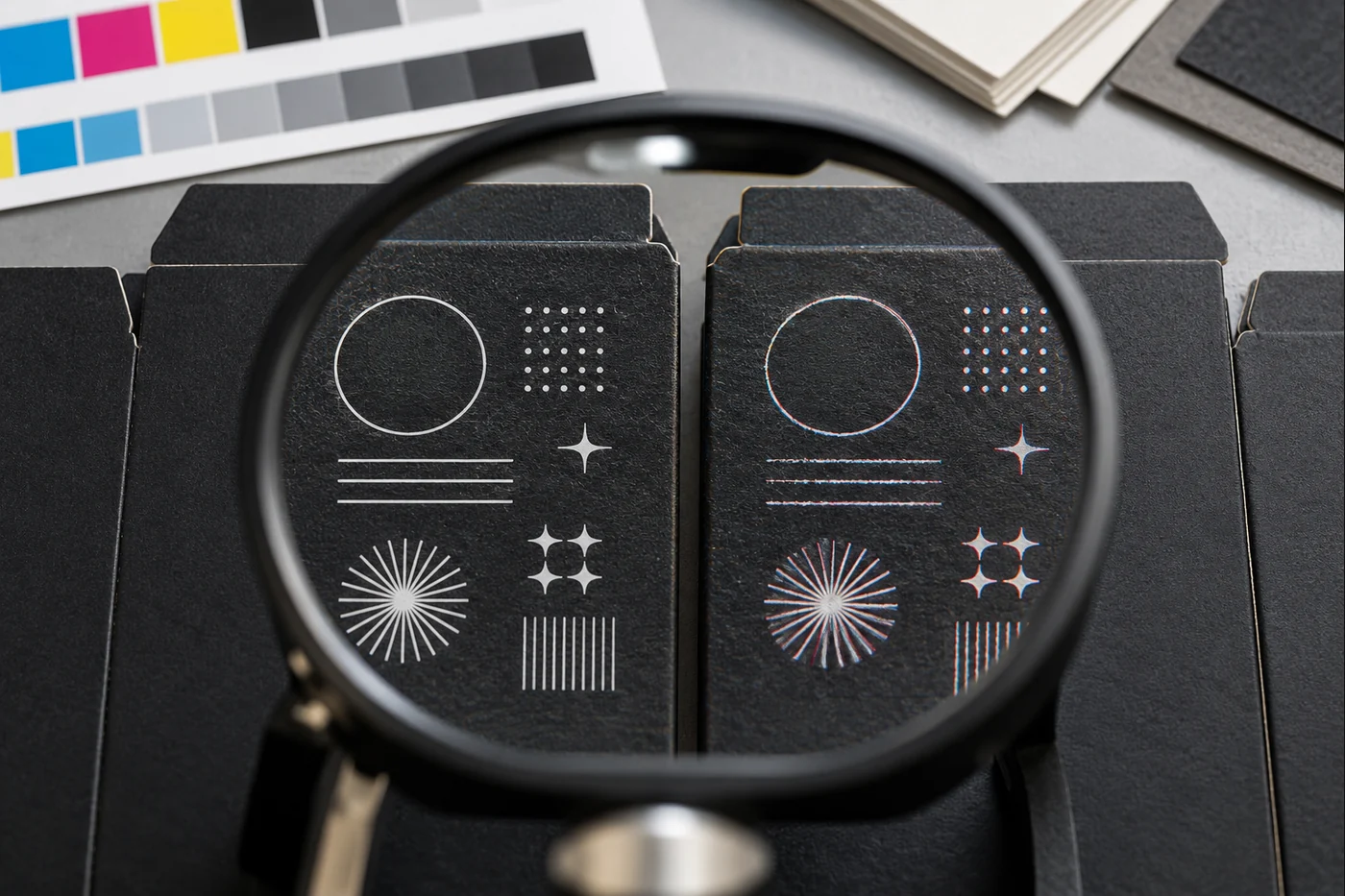
Trapping changes the edges
Trapping creates a controlled overlap between adjoining colors to reduce visible gaps when registration fluctuates. Esko describes it as a safeguard against normal process variation. A trap that is suitable for two large color fields can be too intrusive around tiny type, while no trap can expose a halo. The correct direction and amount depend on the ink colors, printing process, substrate and prepress system.
On a book-style magnetic gift box, small decorative lines may cross broad wrapped panels or sit near a foil-stamped logo. The printed line, metallic foil and embossed feature are separate manufacturing elements. Their tolerances should be reviewed separately instead of assuming the digital mockup represents one perfectly registered layer.
Paper and finishing can remove the remaining margin
Surface texture and ink spread matter
Smooth coated paper generally holds fine edges differently from uncoated, textured, kraft or specialty paper. Ink can spread, sink or appear less dense on a more open surface. Reverse text is especially vulnerable because any growth from the surrounding dark area makes the white opening smaller.
Do not solve this by adding a universal stroke to every character. Thickening artwork without checking spacing can merge letters, change a logo or create uneven weight. Request a substrate-specific print test for the smallest critical elements and compare it at normal viewing distance.
Lamination and tactile finishes change edge appearance
A matte or soft-touch film can reduce perceived edge contrast; a gloss surface can create reflections; a textured coating may interrupt a hairline. If a detail is later embossed, debossed, foiled or folded, pressure and registration introduce additional variables. Test the complete finishing route, not only an unlaminated flat proof.
For a child-resistant pre-roll box, any opening directions or identification marks that the buyer chooses to include should remain readable after the lock structure, insert and surface finish are finalized. The article does not assume a legal text size or certification; those requirements depend on the product and destination market and need separate compliance review.
Positive text and reverse text need different decisions
| Artwork situation | Main production risk | Buyer’s useful question | Best evidence |
|---|---|---|---|
| Small black text on a light field | Multi-ink fringe or unintended knockout gap | Is it a printer-approved one-ink black, and should it overprint? | Separation preview plus printed sample |
| Small white text in a dark field | Surrounding ink closes the letterforms | Is the reverse type large and open enough for this stock and process? | Actual-size substrate test |
| Fine colored line | Screen breakup, weak density or registration shift | Is it one ink, process color or spot color? | Final-output proof and production sample |
| Detail near foil or embossing | Separate-process registration and pressure | What alignment tolerance is realistic after finishing? | Finished decorated sample |
High-impact premium disposable-vape packaging often combines dense color, fine typography and decorative finishing. Treat the product name, variant, technical copy and finish layers as separate risk groups. A large headline can pass while a small flavor or model line fails.
What should the artwork handoff contain?
A useful handoff lets the converter identify the risky elements before plates, tooling or production samples are made:
- Final dieline revision: identify panels, folds, glue areas, hinges and visible faces.
- Actual-size artwork: do not rely on screenshots or enlarged mockups.
- Live and outlined versions: provide packaged fonts or outlines as requested, while retaining an editable master.
- Color definitions: distinguish process, spot, white-ink and finishing separations.
- Critical-detail list: flag the smallest text, thin rules, reverse type, micro-patterns and registration-sensitive marks.
- Overprint intent: require the printer to review every intentional overprint and unexpected overprint.
- Production materials: name the board or wrap, surface, lamination, coating and decorative operations.
- Acceptance reference: define which proof or sample controls copy, color, fine detail and finishing.
A vape cartridge packaging box may need to distinguish closely related capacities, cartridge formats or variants. Giving those small identifiers a clear hierarchy and enough space is more reliable than shrinking the same layout until it fits every SKU.
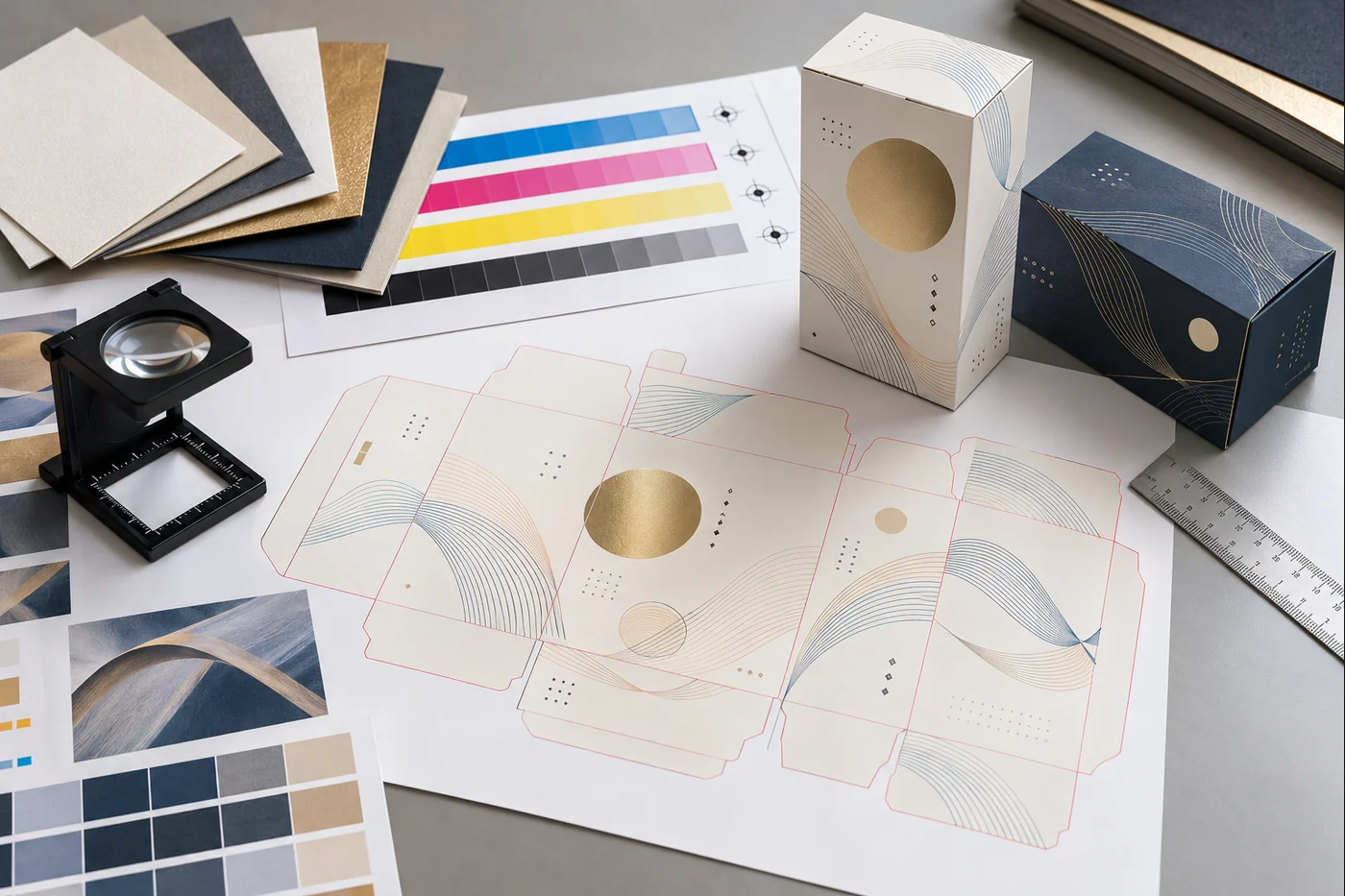
How should a buyer approve small detail?
Inspect at 100% and at the finished viewing distance
First view the production PDF at 100% and inspect separations, overprint and line art. Then print or review an actual-size physical proof. A zoomed screen inspection reveals technical construction; the physical view shows whether a purchaser can comfortably read and recognize the result.
Use the real material and full finish stack
A desktop proof on bright coated stock does not establish performance on kraft, specialty paper, a wrapped rigid-box sheet or a laminated carton. Include the actual substrate and the process that most threatens the detail. If several finishes overlap, ask which sample is production-representative and which parts are simulated.
Approve samples from more than one position
Review multiple finished boxes and more than one print position when practical. Compare the smallest counters, reverse type, adjoining-color edges and fine rules. Record the approved artwork revision, material and process. If the result is marginal on the sample, do not assume mass production will improve it.
For custom chocolate bar packaging, a buyer may need room for product information, ingredients or market-specific copy supplied by the brand. Complete that content before shrinking typography around a fixed illustration. Regulatory review belongs to the brand’s qualified adviser; the printer’s proof confirms production appearance, not legal sufficiency.
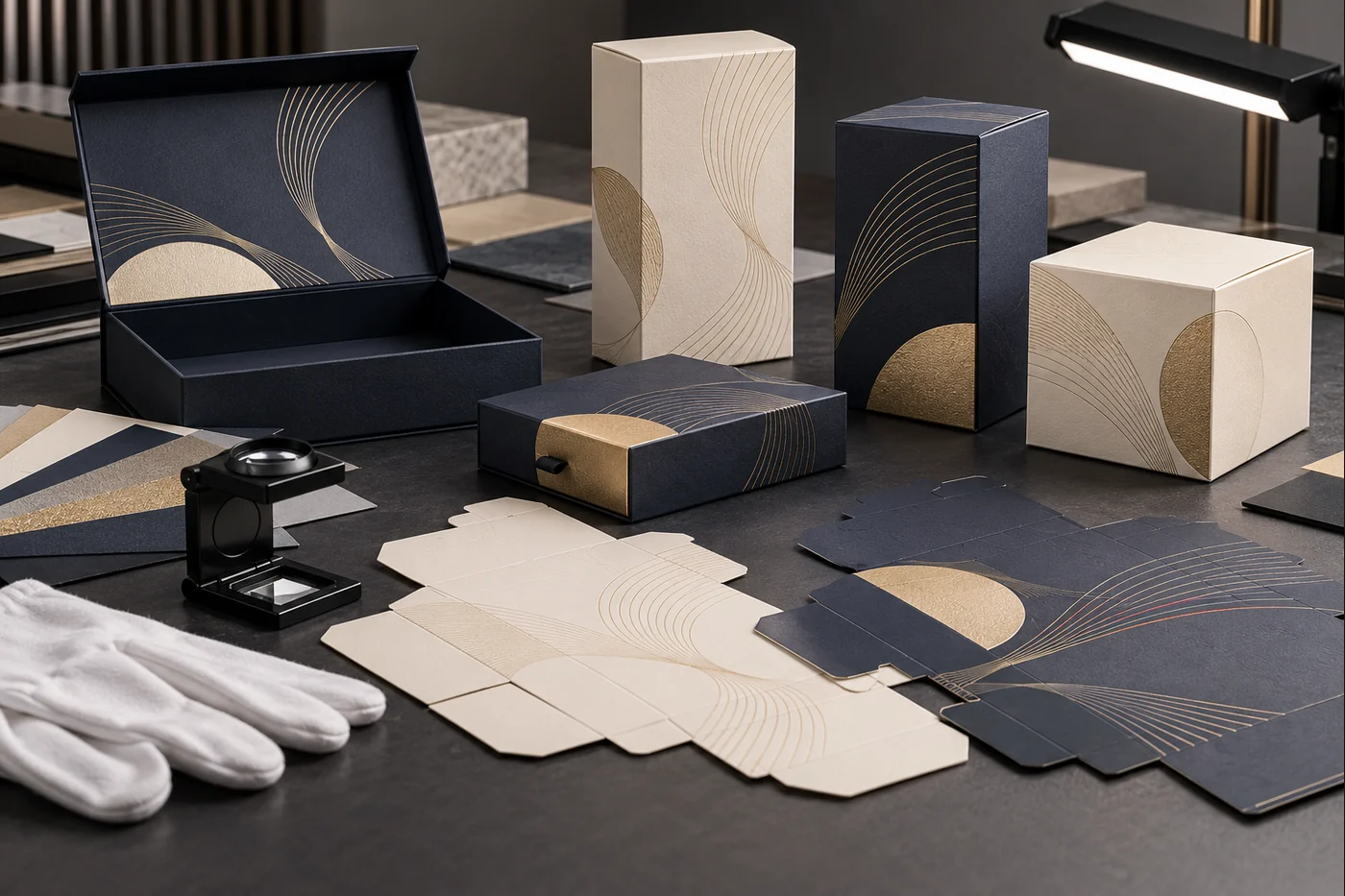
How do you diagnose a failed production sample?
Compare the failed box with the released PDF and approved reference. Check whether the missing element is present on the correct separation, whether it was set to overprint or knockout, and whether its color uses one plate or several. Next compare substrate, lamination and finishing with the approved specification.
If every unit fails the same way, the artwork construction or process capability may be wrong. If the failure varies across the sheet or lot, investigate registration, ink/water balance, plate or blanket condition, substrate variation and finishing alignment with the printer. Preserve representative good and bad samples; a compressed phone image is not enough for fine-detail diagnosis.
Frequently asked questions
What is the minimum font size for a printed box?
There is no responsible universal value. Font design, weight, positive or reverse use, ink count, press, screen, substrate and finish all matter. Ask the printer to preflight the exact artwork and prove the smallest critical text on the intended material.
Should all small black text overprint?
No. Default 100% black text often overprints in common workflows, but custom blacks, tints and special situations require review. Overprint can prevent gaps, yet it can also change the appearance over another color. Confirm the setting in separations with the printer.
Why did white text disappear even though it was visible in the PDF?
It may have been set to overprint, allowing no knockout for the paper to show, or the surrounding ink may have spread into very small openings. Output Preview and an actual-size print test help separate these causes.
Is outlining text enough to make it printable?
No. Outlining can prevent a missing-font substitution, but it does not fix text that is too delicate, built from unstable color combinations or incorrectly set to overprint. Keep an editable master so corrections remain possible.
Protect the detail before it reaches the press
Small packaging graphics survive when design intent is translated into a process-specific file, material test and finished-sample approval. Mark the critical elements early, let the converter define achievable limits for the chosen workflow, and change marginal artwork before production rather than asking press operators to rescue it later.
If you are preparing a carton or rigid-box range, send PaperBoxPro the actual-size artwork, product dimensions, box structure, material, finishing plan and the smallest critical details. The sampling discussion can then focus on the elements most likely to fail.
Technical references
- Adobe: Change the black overprint setting in InDesign
- Adobe: About overprinting
- Adobe: Preview overprint in Acrobat Pro
- Esko: What is trapping?
- Ghent Workgroup: Packaging PDF and processing-step resources
Editorial note: This article was produced with AI-assisted research and drafting, followed by a separate model-based fact, source, duplication and policy review. It is not a human prepress certification or regulatory opinion. The packaging images are AI-generated concept illustrations; they do not depict a named customer, production facility, certified test or guaranteed specification.